Payroll operations · AU
Site Kiosk vs Personal Phone Timesheets: When Each Wins
Last updated 25 September 2026
Compare site kiosks and personal phone timesheets for Australian construction crews, including access, payroll, privacy and site controls.
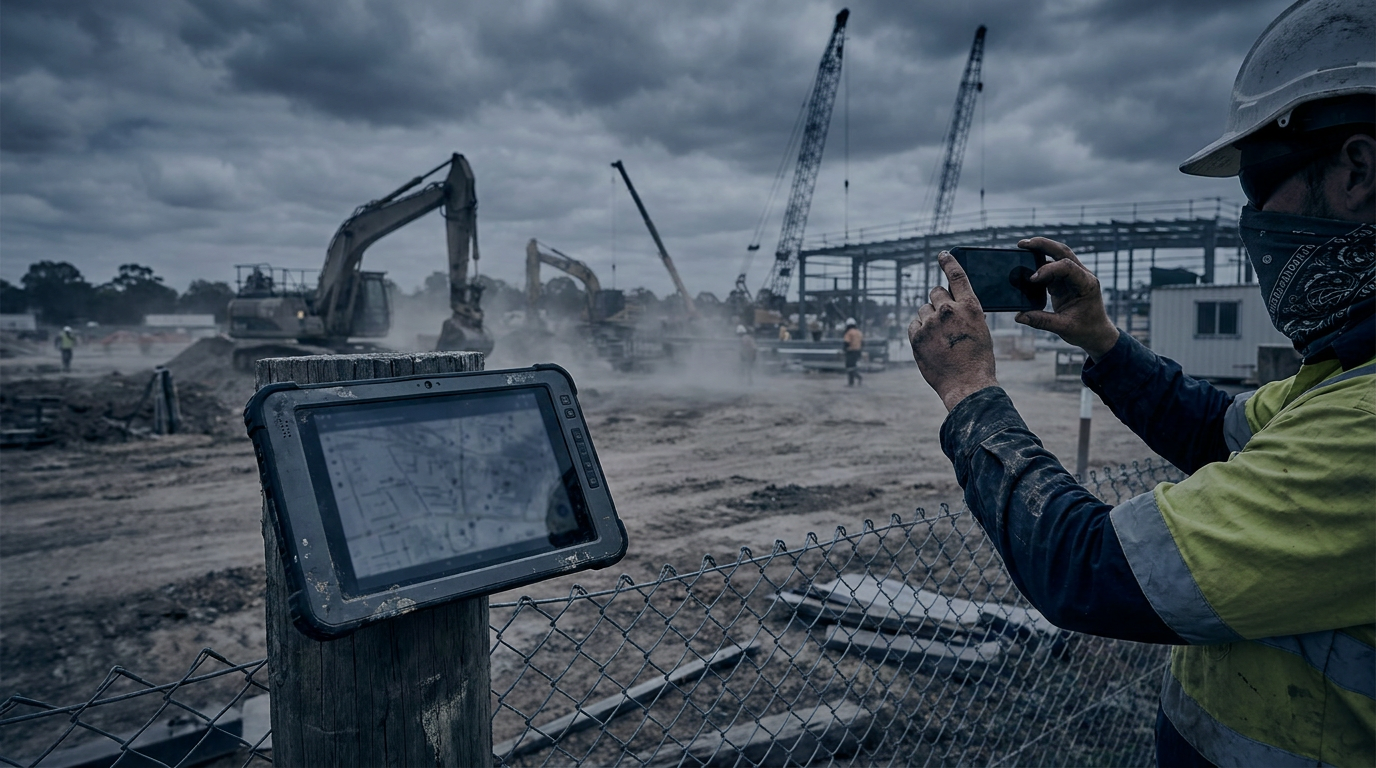
A site kiosk wins when crews share one controlled entry point. Personal phone timesheets win when workers move between sites or work remotely. For many construction businesses, a hybrid setup gives payroll the cleanest result.
The short version
Think about where the work happens before choosing the device.
A kiosk suits a stable project with a site office, reliable power and a clear start point. Everyone clocks in through the same device. Supervisors can quickly see who is on site, and workers do not need compatible phones or mobile data.
Phone timesheets suit civil crews, service technicians, supervisors and workers who visit several jobs in one day. They can record time where the work actually happens, rather than returning to a site shed.
Neither method fixes weak rules. You still need to decide what counts as paid time, how breaks are entered, who approves changes, and how travel between sites is treated.
Our timesheets and site product hub explains how captured time can move into payroll. You can also review the timesheet and payroll workflow tour when mapping approvals and pay checks.
Kiosk and phone timesheets compared
| Question | Site kiosk | Personal phone |
|---|---|---|
| Works well for | One large or long-running site | Mobile crews and multiple small sites |
| Device needed | Shared tablet, terminal or computer | Worker’s own compatible phone |
| Clocking location | Fixed entry point | Any approved work location |
| Internet risk | One connection affects the whole site | Each worker may have different reception |
| Queue risk | Possible at shift start and finish | Usually low |
| Worker access | No personal device required | Requires a charged phone and account access |
| Location evidence | Kiosk location is known | GPS can support the entry, with consent and clear rules |
| Supervisor visibility | Strong for a single site | Strong across dispersed jobs if entries sync promptly |
| Main payroll risk | Queues, shared PINs and missed clock-outs | Wrong job selection, flat batteries and late entries |
| Privacy concern | Shared-screen visibility and possible biometrics | Personal device boundaries and location collection |
The payroll rules do not change with the device
Here is the bit payroll cares about, mate. A timestamp is evidence, not the final pay decision.
As at September 2026, employers must generally keep employee records for 7 years under the Fair Work framework. That includes records relating to hours worked where those records are required.
As at September 2026, the National Employment Standards set 38 hours per week as the maximum for a full-time employee, plus reasonable additional hours. An award, enterprise agreement or contract may set ordinary spans, roster rules, overtime triggers and minimum engagements.
As at September 2026, the super guarantee rate is 12% of ordinary time earnings. The rate has applied since 1 July 2025. Correct time classification matters because allowances, overtime and other payments do not all receive the same super treatment.
Your system should keep the original entry, any edited entry, who made the change, when it changed and why. Overwriting a worker’s time without a trace creates trouble during a pay query or audit.
Avoid treating every minute outside a geofence as unpaid. A worker may be collecting materials, attending an approved meeting or travelling between jobs. The applicable award or enterprise agreement and the actual circumstances decide the pay treatment.
When a site kiosk wins
Choose a kiosk when most workers arrive and leave through one controlled point. It is especially handy for high-rise projects, enclosed commercial sites and projects where subcontractors report to the same office.
A kiosk also wins when some workers do not have smartphones, do not want to use a personal phone for work, or regularly work with gloves and dirty hands. A rugged mounted tablet can be easier than asking everyone to install an app.
Set it up carefully. Put the device where workers can reach it without blocking the gate. Allow enough time before a shift to prevent queues. Use individual PINs, cards or another secure method. Do not let workers clock in for their mates.
Offline capture is worth having. If the connection drops, entries should retain the local time and upload later without creating duplicates.
If facial recognition, fingerprints or another biometric method is involved, get specific legal advice. Privacy, consent and workplace surveillance requirements can vary by state and territory. A basic PIN or card may carry less privacy risk.
When personal phone timesheets win
Phone entry is usually better when crews start from home, visit several jobs, or spend the day moving along a road, rail or utility project.
Workers can select the job, cost code or task when they start it. That can give payroll and job costing a clearer split than one kiosk entry covering the whole day.
Still, do not assume everyone has unlimited data, reliable reception or a new phone. Provide another way to submit time. No worker should lose pay because an app would not run on their device.
Be clear about location tracking. A sensible setup records location only when a worker submits a work event, rather than following them all day. Explain what is collected, why it is collected, who can see it and how long it is kept.
Phone reminders can reduce forgotten entries, but they should not become unpaid after-hours administration. If corrections regularly take workers time after a shift, fix the process rather than blaming the crew.
When a hybrid setup makes more sense
Plenty of builders need both.
Permanent site crews can use the kiosk. Mobile supervisors, delivery crews and workers attending satellite jobs can use their phones. Both methods should feed the same employee record, job list and approval process.
Use one set of rules for rounding, breaks and edits. If the kiosk rounds one way and the phone app rounds another, payroll will spend Friday afternoon sorting out avoidable differences.
Rounding also needs care. There is no general rule allowing an employer to remove worked time just because it falls inside a convenient block. If you use rounding, test the outcome across real shifts. It should not systematically reduce paid time.
The hybrid model also needs duplicate controls. A worker might clock in at the kiosk, then enter time on a phone for another job. The system should flag overlaps without automatically deleting either record.
Make the choice based on the work
Before rollout, map five common days: a normal shift, an early start, work across two jobs, a missed break and a forgotten clock-out. Then test both devices against those cases.
Ask payroll, the site supervisor and a few workers to check the steps. Keep the questions practical. Can a worker submit time without reception? Can a supervisor correct the job without changing the actual hours? Can payroll see the original record? What happens if the shared tablet fails?
Pick the method that creates the clearest, most complete record with the least friction for that crew. If your sites work differently, using both is often more sensible than forcing one device across the whole business.
The Pay Run newsletter
Join the list, payroll for builders, explained fortnightly.
One email. Unsubscribe anytime. We never share your details.
Questions
Can we require workers to use their personal phones for timesheets?
You should consider contracts, policies, consultation duties, privacy and whether workers face a cost. Provide a practical alternative for anyone without a suitable phone, data access or reliable reception. Get workplace advice for your circumstances.
Can a kiosk replace the site sign-in register?
Sometimes, but do not assume a payroll clock covers every safety requirement. Visitor records, emergency headcounts, inductions and subcontractor attendance may need different information. Check your work health and safety process.
Should phone timesheets use GPS?
GPS can help confirm where an entry was made, but collect only what you need. Tell workers when location is captured, why it is needed, who can access it and how long it is kept. State and territory surveillance laws may also apply.
What happens when the kiosk or phone is offline?
The entry should be stored with its original local timestamp and uploaded when the connection returns. Payroll should be able to identify duplicates, failed uploads and later edits before approving the pay run.
Who should approve construction timesheets?
Usually the supervisor closest to the work should confirm the site, task, hours and breaks. Payroll should then check award or enterprise agreement rules, allowances, overtime and unusual edits before processing pay.
Construction payroll
Stop reading about it. Put it on your crew.
Published pricing, so you never need a call to get a number. We read your award or agreement and build it, and a walkthrough is there whenever you want one. We reply within one business day.
15 minutes, your EBA, no sales script.
No lock-in · Published pricing · We reply within one business day