See it working
Crew Time, from the site to Employment Hero.
- 01
Clock onsite
Phone or site kiosk, works offline and syncs when signal returns.
- 02
Job-costedhours
Every hour coded to job, cost code and work type.
- 03
Dockets andapprovals
Foreman approves the day, client signs the daily docket.
- 04
Award/EBA rulesin EH
Employment Hero calculates penalties, allowances and RDOs from your setup.
- 05
Pay runin EH
Your team runs pay in Employment Hero. We never touch wages.
We can build your award and EBA setup in Employment Hero. Custom quote, book a call.
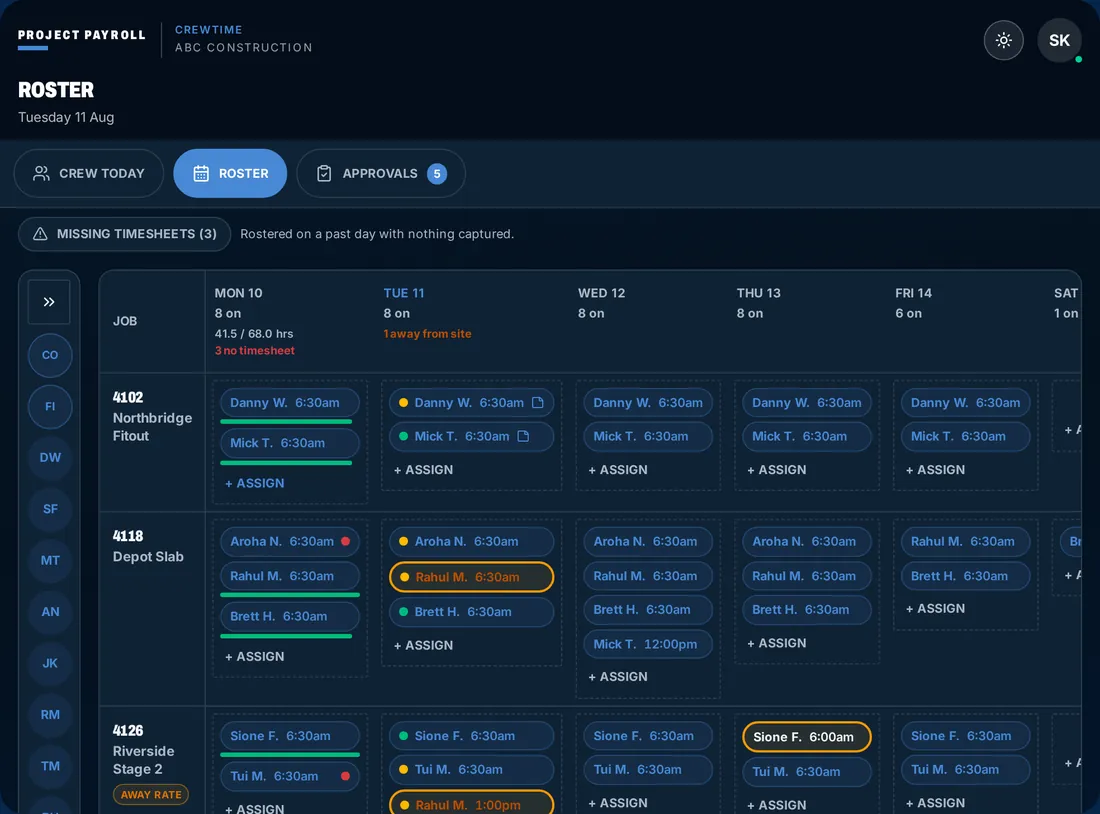
Step 1 of 5
Clock on
Clock on by phone or site kiosk, with the job attached.
Clock on site: Phone or site kiosk, works offline and syncs when signal returns.
Interactive demo
Play with the app.
This is CrewTime, how your crew's approved hours get to Employment Hero. No typing, no training. Tap around, clock on, send a timesheet. Switch roles under the phone to see what the foreman and the office see.
- One-thumb timesheets
- Roller time picker, no keyboard
- GPS-stamped approvals
- Roster push to whole crew
- Works offline
- Photo Timesheet CaptureFor sites where phones aren't allowed or provided. Photograph the paper timesheet, review the digital extraction, confirm. The original stays linked to the record for audit purposes. No re-keying, no lost paperwork.
- Site diary & client sign-offRecord equipment, works completed, weather, photos and client sign-off on the same day record as the timesheet, then export a PDF docket per job per day. Read about site diaries
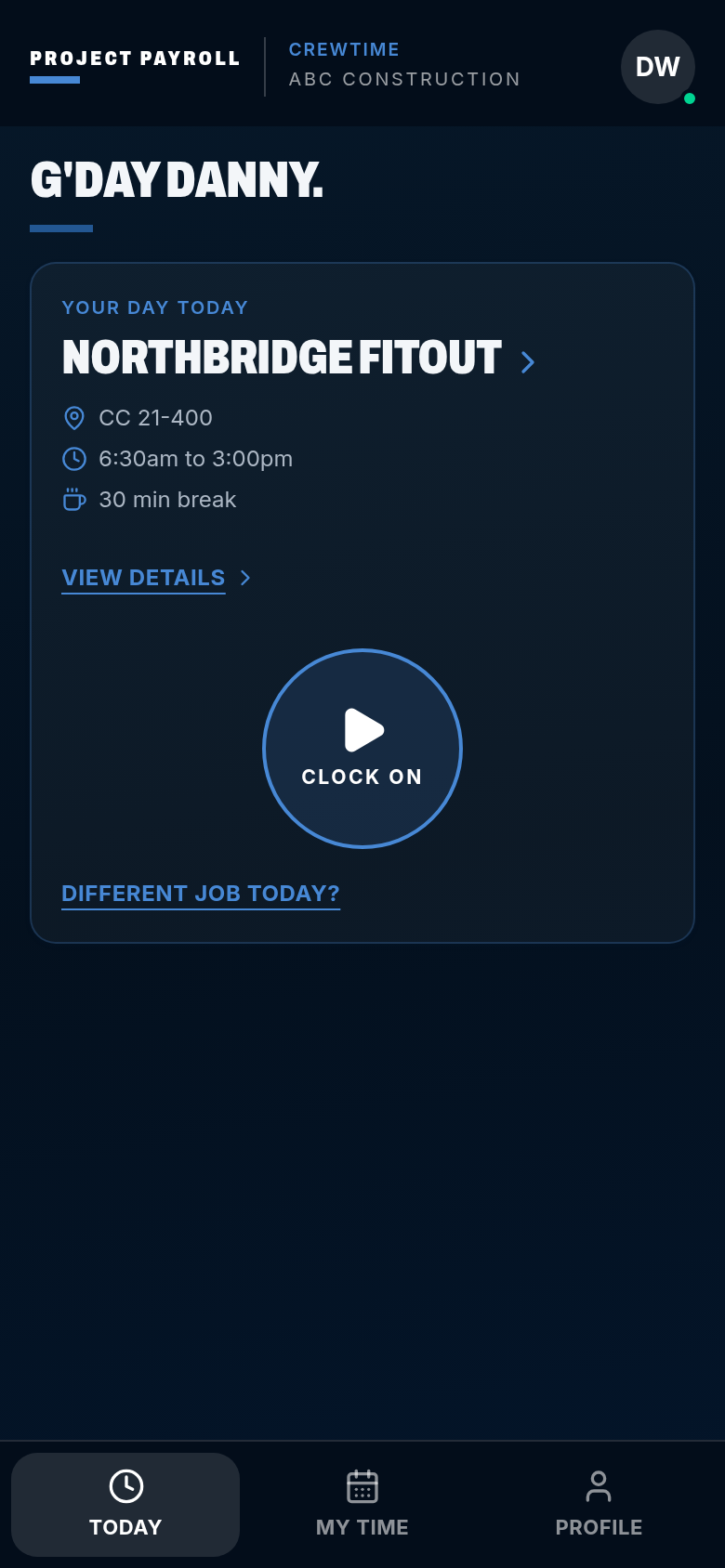
CrewTime
ABC Construction
G'day Danny.
Your day today
Pick a job
- CC not set
- Start when you are on site
- 30 min break
Works with no signal. The punch is stored on the phone and syncs later.
Viewing as
Clock on, send the timesheet